How NewLumen's Cloud DICOM Viewer Works: From Capture to Screen in One Browser Window
Summary
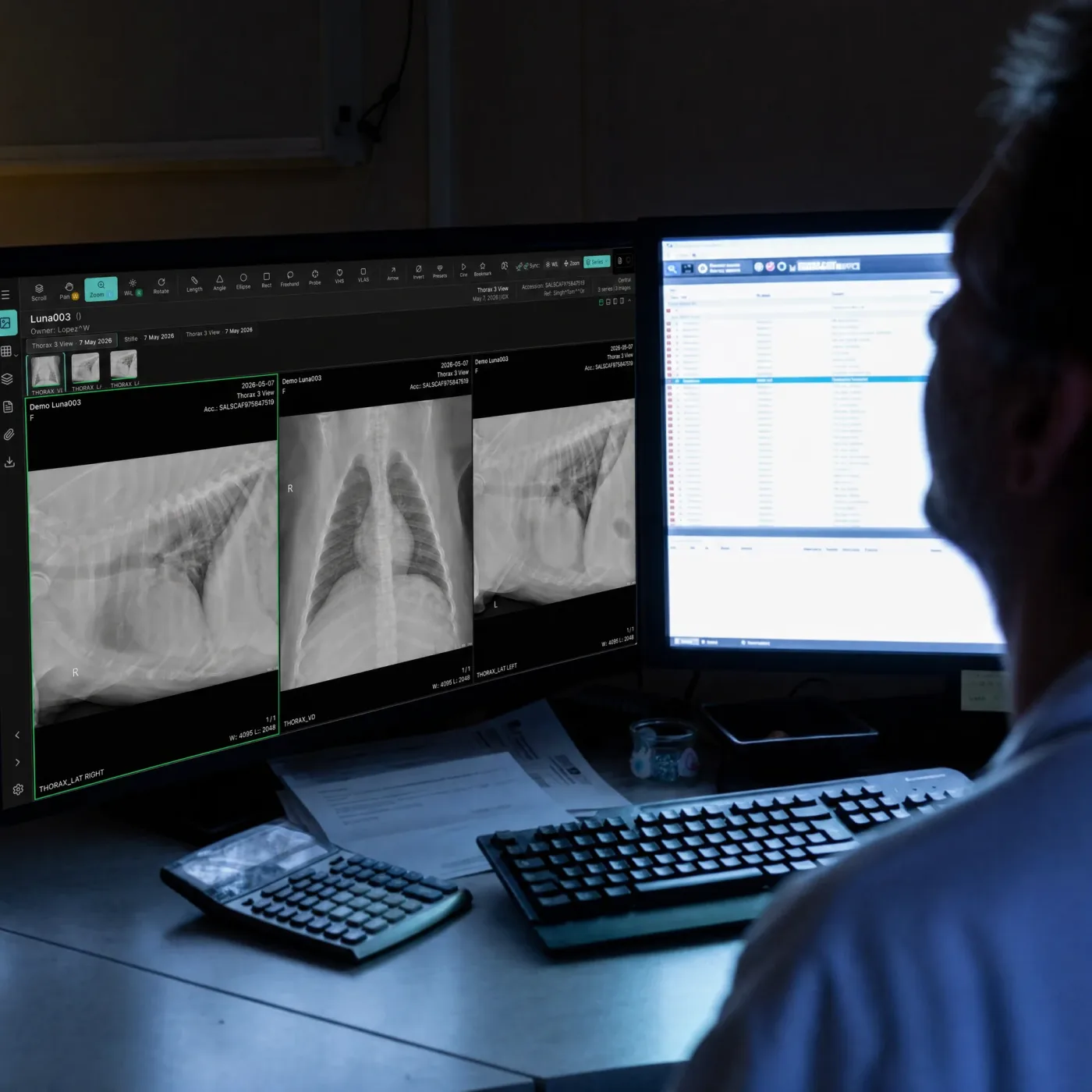
A veterinary DICOM viewer is browser-based software that renders diagnostic medical images from any modality, digital radiograph, ultrasound, CT, MRI, directly on screen without installation or VPN. NewLumen, Asteris's cloud-native platform, allows radiologists and technicians across multiple locations to open the same study simultaneously in any modern browser, with images transferring from the modality to the viewer in real time.
Unlike traditional veterinary PACS systems that require server installation and IT overhead, NewLumen's architecture eliminates barriers to adoption. Practices scale from a single workstation to a multi-site enterprise without buying additional hardware or licensing per seat. The cloud-based architecture ensures your images are accessible anywhere, while local caching keeps performance consistent even during network interruptions.
This guide walks through how NewLumen captures, processes, and displays medical imaging across your practice, and why the browser-first design matters for your workflow.
Why Browser-Based Matters for Veterinary Imaging
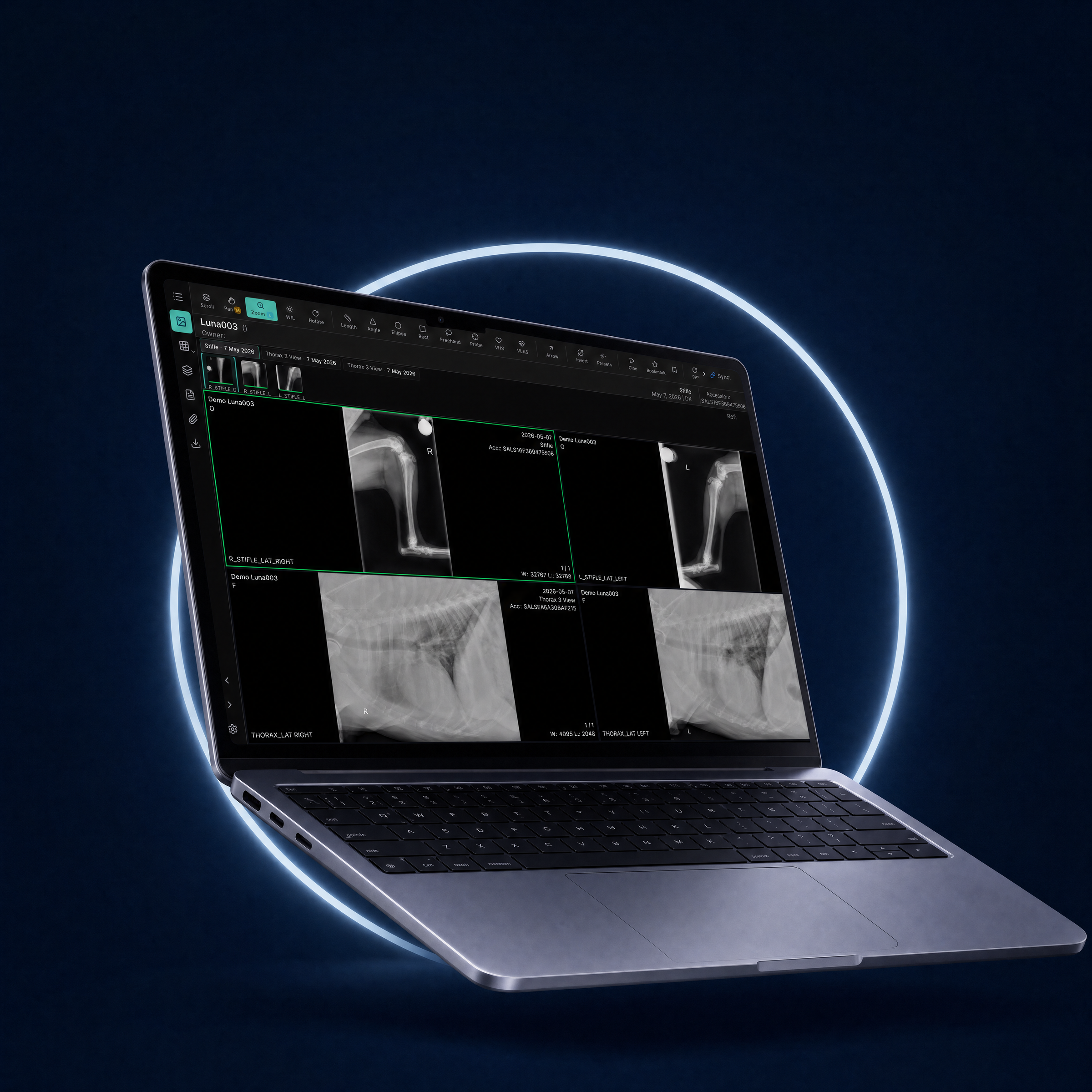
Traditional DICOM viewers run as desktop applications. They require installation, IT management, version updates, and often demand specific hardware configurations. NewLumen inverts this model: the viewer lives in your browser, meaning any device with Chrome, Safari, Firefox, or Edge becomes an imaging workstation.
For veterinarians, this eliminates the classic pain point: "I need to view this study but I'm not at my workstation." A referring vet can open a shared study link on their tablet during a client conversation. A specialist can provide a teleradiology consultation without logging into a VPN. A barn-aisle technician on an equine farm can review field captures on a mobile device.
Browser-based access doesn't compromise security. NewLumen encrypts all data in transit and at rest, maintains full audit trails, and enforces role-based permissions, the same compliance features you'd expect from a server-based system.
How Images Move from Modality to Screen
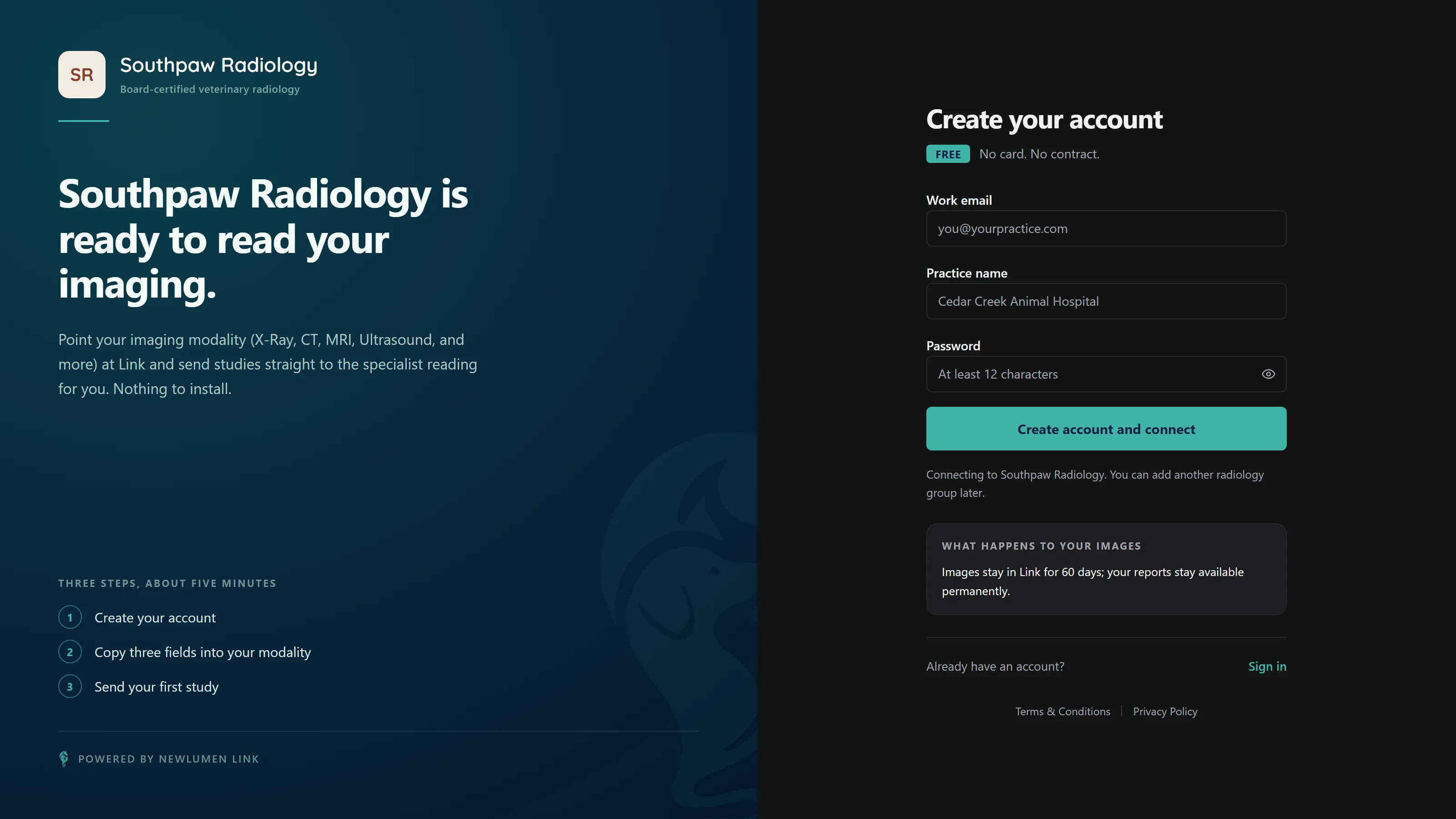
NewLumen's image pipeline works in three stages: capture, transfer, and rendering.
Stage 1: Capture
When your digital radiography system, ultrasound machine, or CT scanner acquires an image, it generates a DICOM file, a standardized medical imaging format. NewLumen integrates with your modality through DICOM Send (the standard protocol veterinary manufacturers support) or through a capture gateway for legacy equipment.
The system routes the study to NewLumen's cloud infrastructure, where it is immediately tagged with metadata: patient ID, modality type, acquisition date, and referring practice. This metadata becomes searchable, allowing technicians to retrieve any prior study in seconds.
Stage 2: Transfer
NewLumen's cloud-native architecture uses adaptive compression and intelligent queuing. High-priority urgent studies (e.g., a trauma case) prioritize bandwidth; routine studies queue behind them. The entire study, often 50-500 MB for multi-slice CT, transfers in the background while the first images are already rendering on screen.
For practices concerned about internet reliability, NewLumen supports hybrid deployment: your practice retains a local cache on a Keystone server, while NewLumen provides cloud viewing and long-term archival. If your connection drops, you continue viewing and acquiring locally; when it restores, the sync happens automatically.
Stage 3: Rendering
Once images arrive in NewLumen, they render in the browser using GPU-accelerated WebGL. This means:
- Instant load: The first slice appears within 2-3 seconds, even for a 400-slice CT.
- Smooth navigation: Scrolling through a study feels like a native application, not a web page.
- Rich tools: Measurement, annotation, windowing, and 3D reconstruction all run in-browser without plugins or downloads.
No secondary server processes the images, rendering happens client-side. This reduces latency and server load, allowing NewLumen to scale to hundreds of simultaneous users.
Sharing Studies: The DICOM Link Workflow
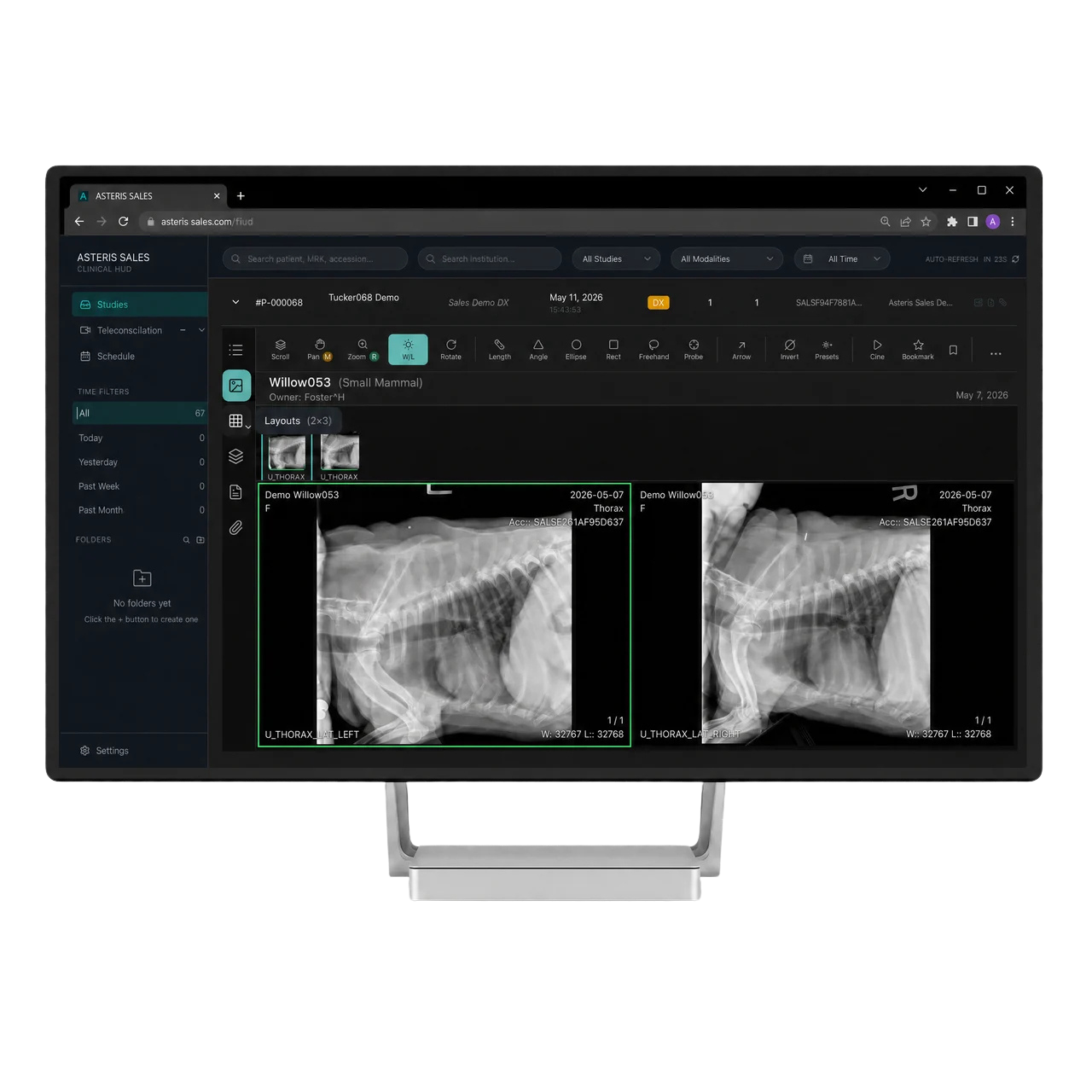
One of NewLumen's most used features is DICOM sharing via email link. Instead of exporting a CD or mailing a USB drive, you generate a unique, time-limited link and send it to a referral partner, specialist, or client.
The recipient clicks the link, and the study opens in their browser, no account required, no download, no VPN. They see exactly what you see: the images, prior studies, and any annotations you've added. Time limits ensure links expire after 30 or 90 days, balancing accessibility with security.
For multi-location referrals and specialist overread workflows, this eliminates scheduling friction. A board-certified radiologist in another state can begin reviewing your study within minutes.
Real-Time Collaboration and Reporting
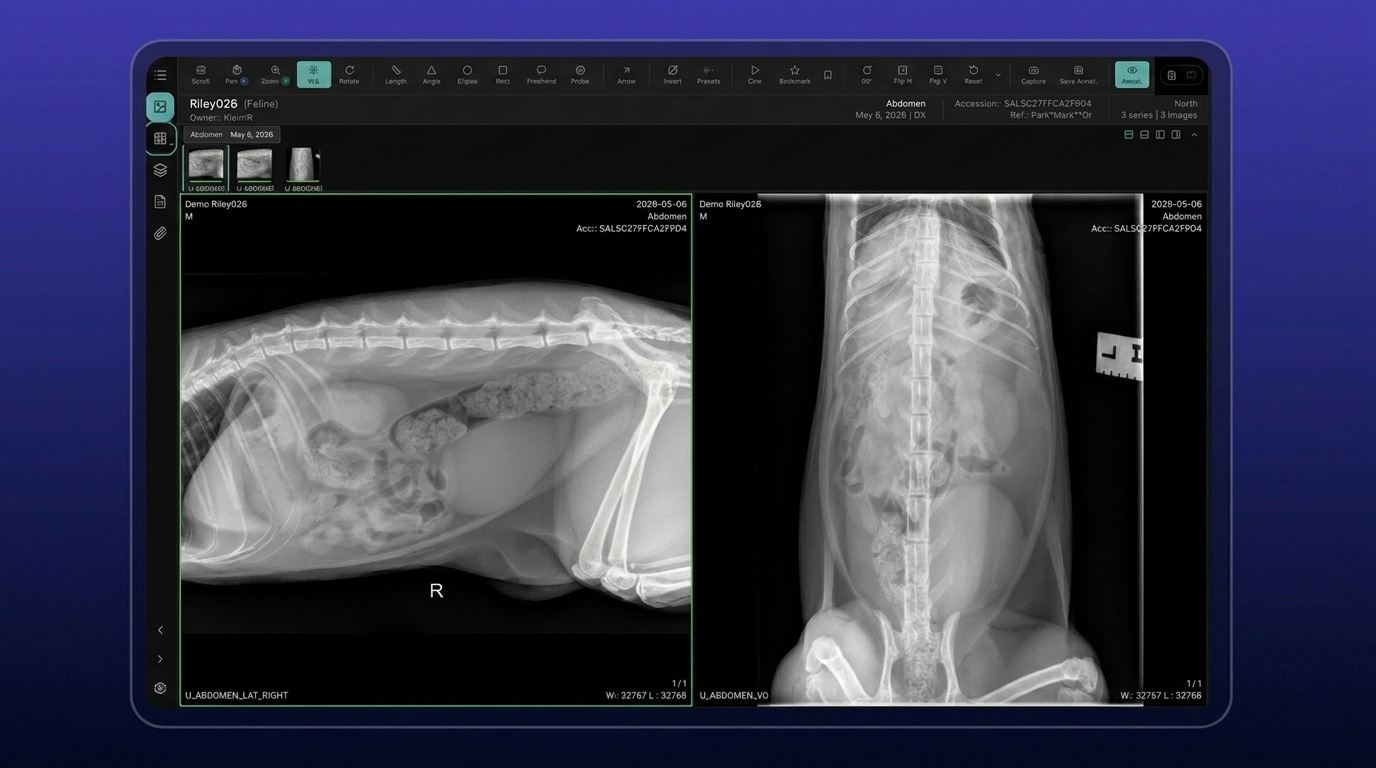
NewLumen's structured reporting module lets radiologists and technicians annotate studies directly in the browser. Arrows, circles, and text notes attach to specific images and sync in real time across all open sessions.
For practices with multiple technicians reviewing the same study, this means:
- The senior tech can guide a junior tech by annotating regions of interest in real time.
- A radiologist can flag findings while the vet watches, live.
- Reporting templates auto-populate from prior exams, reducing documentation time.
Why This Matters for Your Practice
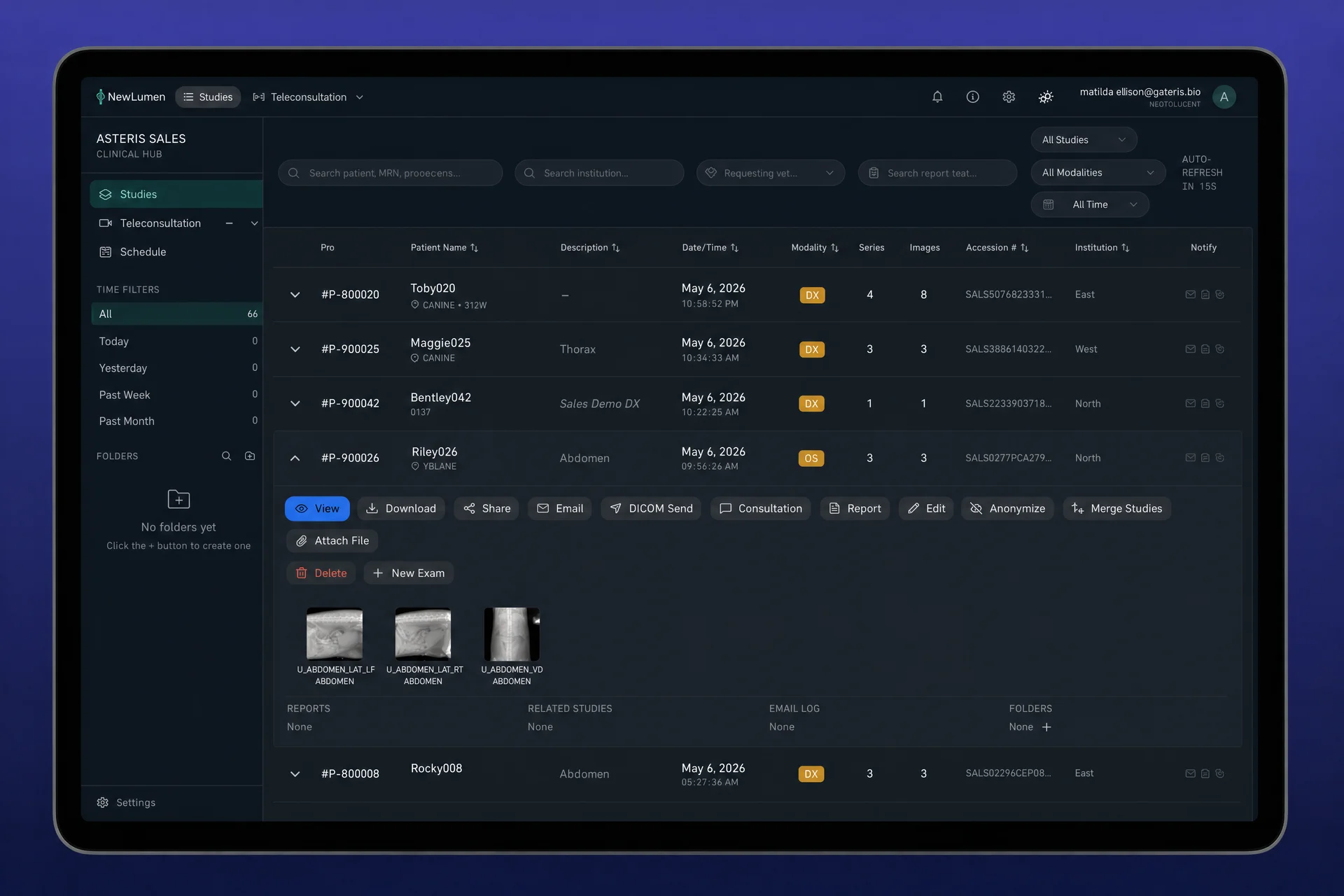
Browser-based DICOM viewing reduces the total cost of ownership. You don't buy per-seat licenses. You don't hire an IT team to manage workstations. You don't delay a decision because your clinic's network doesn't support a traditional PACS install. There is no extended loading screen while local software initializes.
NewLumen's cloud-native design also means updates happen automatically. When Asteris releases a new feature, better 3D rendering, faster search, or new workflow tools, every user sees it immediately. No downtime. No installation windows.
For equine practices, mobile access is transformative. A veterinary PACS built for equine workflows must support barn-aisle imaging, field archives, and provider movement between farms. NewLumen's browser-first design makes this possible without special infrastructure.
The result: imaging becomes a tool that follows your workflow, not a workflow that follows your imaging system.
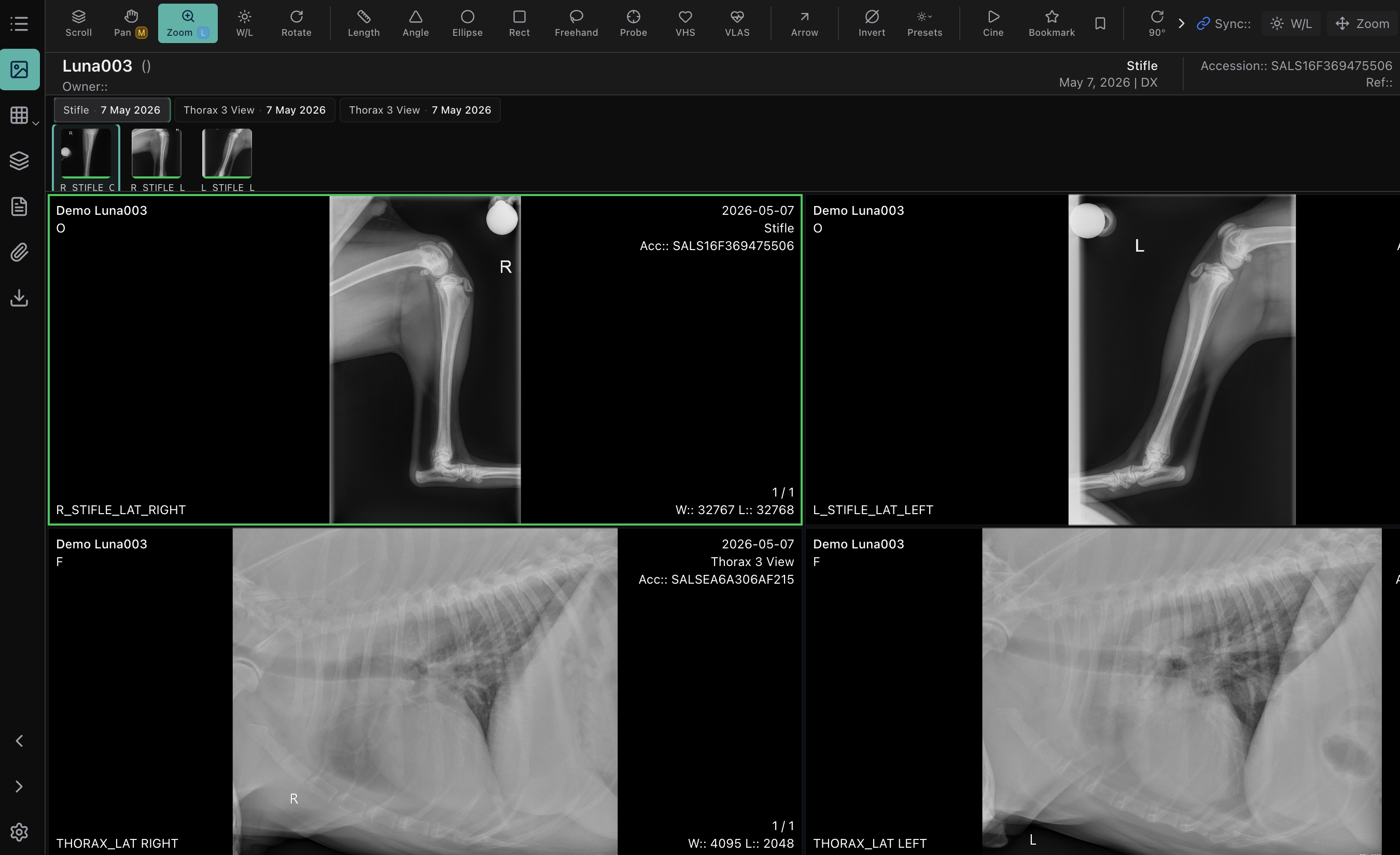
See NewLumen's browser-based DICOM viewer in action. Book a demo with the Asteris team, or explore the NewLumen platform.
Frequently Asked Questions
What is a veterinary DICOM viewer and do I need to install one?
A veterinary DICOM viewer is software that renders diagnostic medical images from modalities like digital X-ray, ultrasound, CT, and MRI in their native DICOM format, preserving the full resolution and metadata needed for diagnosis. NewLumen's veterinary DICOM viewer is browser-based, so there is nothing to install. Any device running a modern browser can open and review studies after logging into the platform.
Can a radiologist at a different clinic access and read studies through NewLumen?
Yes. NewLumen aggregates studies from all sites connected to a practice account into a single worklist. A radiologist at a referral hospital opens studies acquired at a satellite clinic in the same browser-based viewer, with full windowing and measurement tools, without logging into a separate system or waiting for physical media to be transported.
How does NewLumen share DICOM studies with vets who don't have an account?
NewLumen generates a browser-accessible link for each study. The recipient clicks the link and the full DICOM study opens in their browser without account creation or software installation. The sharing practice controls link access, including the ability to set time limits or revoke access. The recipient sees the actual DICOM data with windowing controls, not a compressed image export.
Does NewLumen work with any modality brand, or only specific hardware?
NewLumen works with any DICOM-compliant modality regardless of manufacturer. Asteris does not sell imaging hardware, so there is no equipment bundle required. Digital radiography units, ultrasound machines, CT scanners, and MRI systems that output standard DICOM all send to NewLumen without a proprietary interface layer.
What happens to study access if the internet goes down at the clinic?
NewLumen requires an internet connection for cloud-based study retrieval. Practices that need offline acquisition capability use Keystone PACS as the local capture layer: studies are stored locally at the point of acquisition and transfer to NewLumen's cloud archive when connectivity is restored. The NewLumen viewer then serves the study from the cloud for all remote and referral review.