
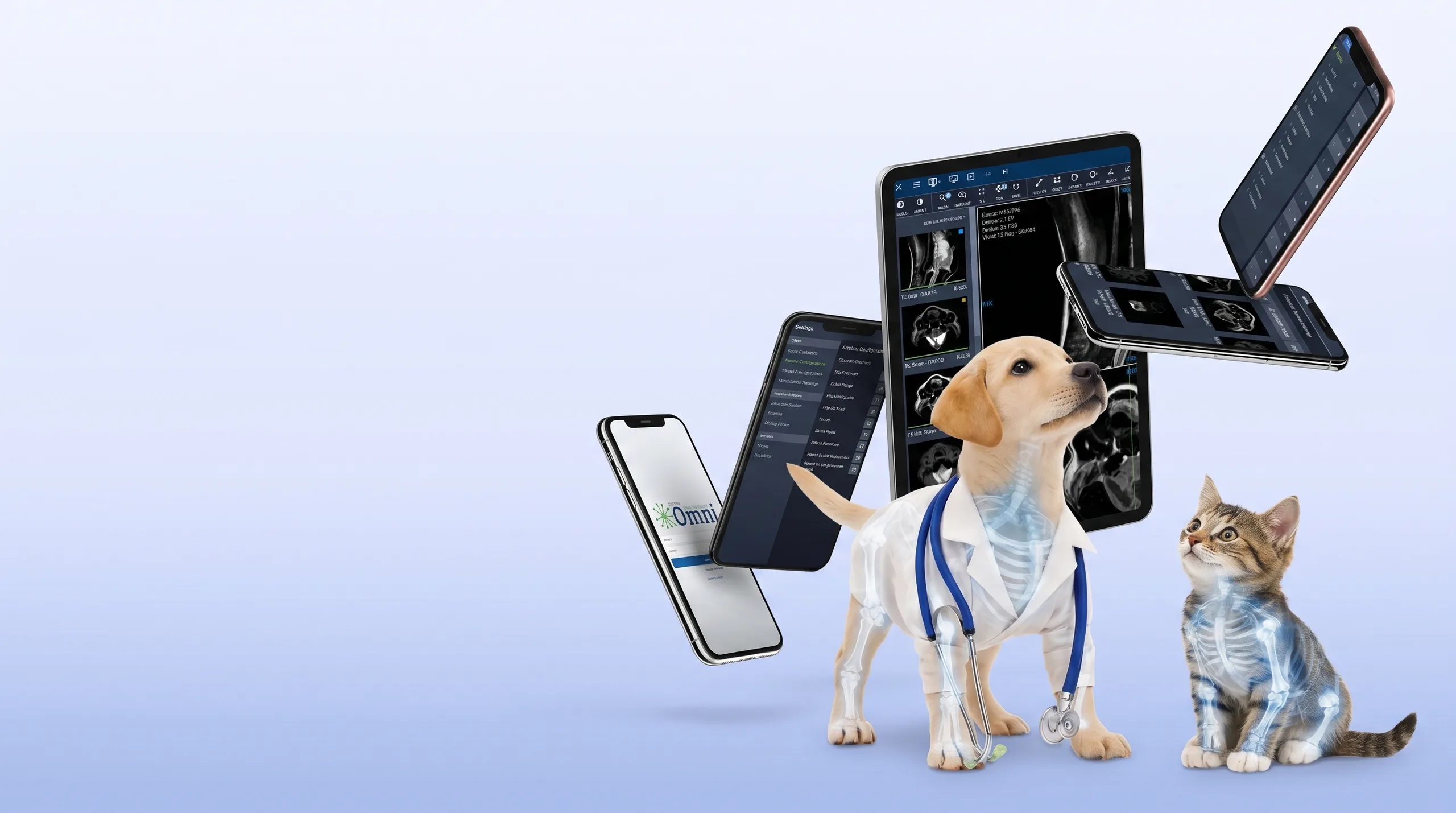
How Keystone Omni Optimizes Image Management
DICOM-compliant from the ground up, Keystone Omni processes all data in a manner that allows for expansion and changes to the DICOM standard.
Store & Transfer
Off-site archival and simple image sharing keeps your processes running smoothly.
Retrieve & View
Access images anywhere, anytime, and on any device with our integrated DICOM viewer.
Report
Configurable report templates with speech-to-text for convenient, efficient reporting.
Connect & Share
Share DICOM and non-DICOM files with colleagues, referral partners, and clients.
How Keystone Omni Optimizes Image Management
The automation and security Keystone Omni provides brings peace of mind and frees up your attention, letting you focus on your patients. DICOM-compliance guaranteed.
Store And Transfer
Off-site archival and simple image sharing keeps your processes running smoothly.
Report
Configurable report templates provide a convenient solution for writing up notes and inserting key images.
Connect And Share
Easily share images among practitioners for optimal efficiency in diagnosing and treating patients.
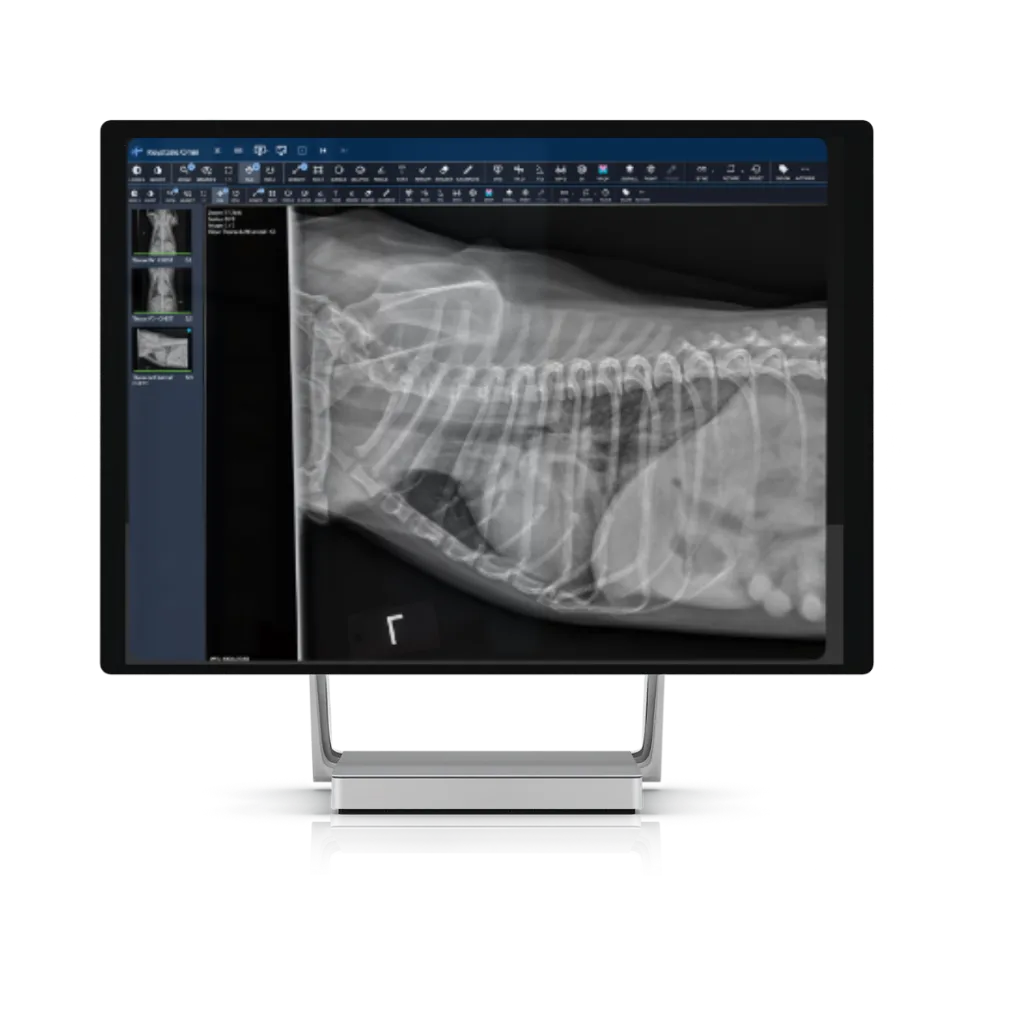
Manage your Images
A range of features from automated archiving, instant backup, rapid recovery, and remote data transfer makes it easy to manage images. From advanced image manipulation tools to cines to pre-orthopaedic planning, our comprehensive solutions meet the diverse range of needs in the industry.
Learn More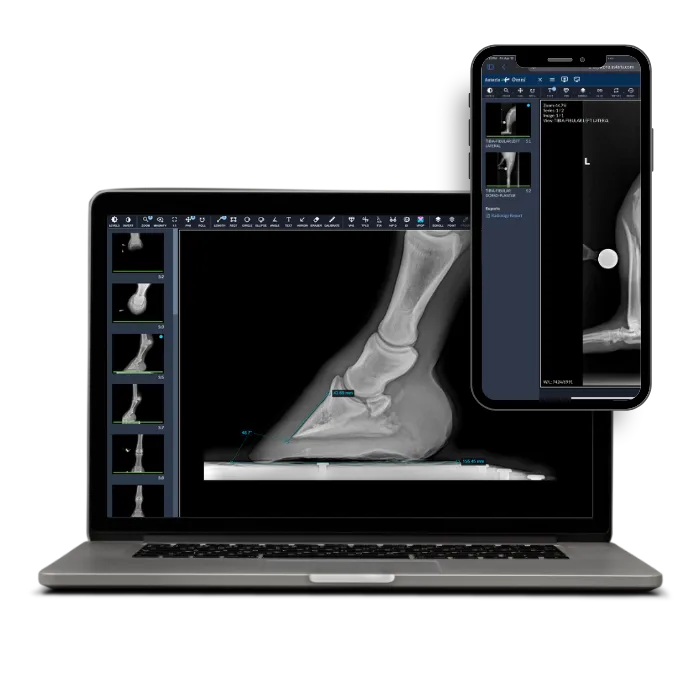
Protect Your Data
Looking after your patients' well-being also means protecting their data. Own your patient data. Broad consolidated plays are aimed at leveraging your data for commercial purposes. Take control and protect your patient data through a balanced approach to clinical data flow in your practice.
Learn More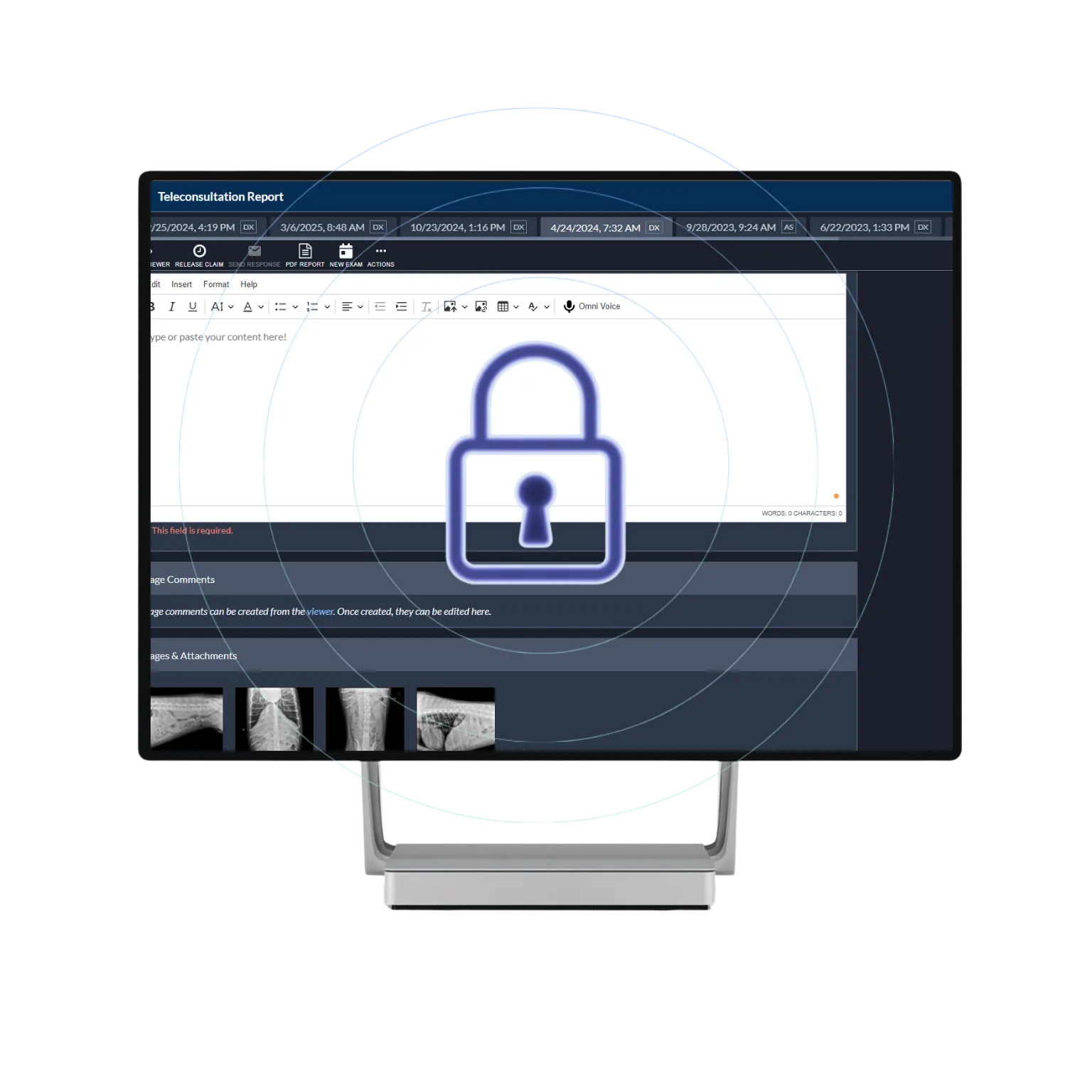
Keystone Community
Our industry experts understand your collaboration requirements. Keystone Omni simplifies the referral process so you can expand your teleconsultation workflow and process more requests. No matter what system your referring clients use, you can receive, access, and consult on the images consistently.
Learn More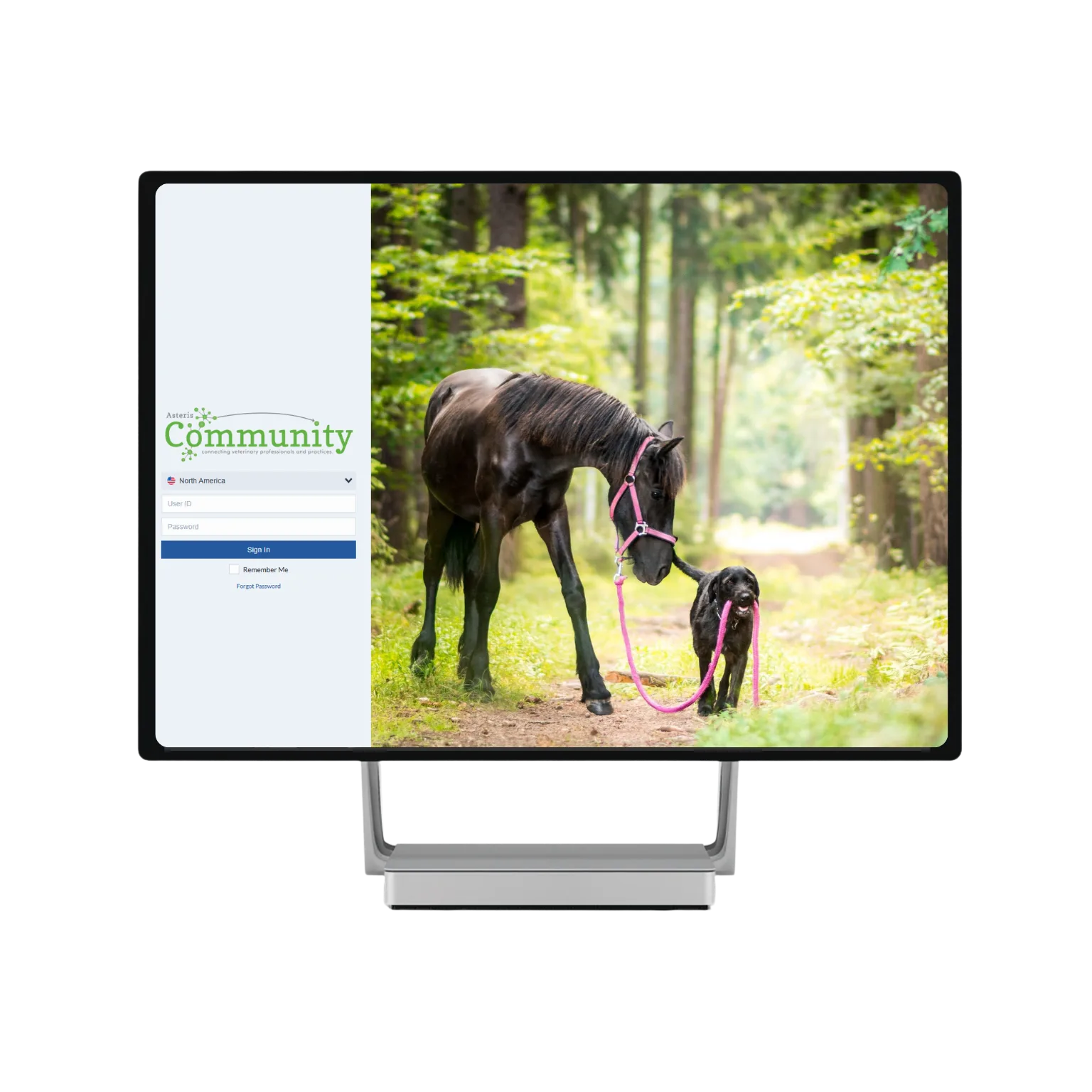
Efficiency You Can See
Effortless image management with world-class technical support means you needn't worry about a thing.
Store And Transfer
Storing digital images with Keystone Omni becomes second nature. Intuitive remote and mobile access to your images, reports, and files from any device, anytime, anywhere. As a cloud-based platform, Keystone Omni allows you to automatically archive and secure data.
Retrieve And View
Review and diagnose with Keystone Omni's integrated DICOM image viewer. Advanced features include 2D Multi-Planar Reconstruction for coping with images in multiple planes, gaining greater diagnostic accuracy.
Report
Keystone Omni's time-saving features work seamlessly with most leading practice-management solutions, including speech-to-text compatibility, predesigned report templates, and custom report template capability.
Connect And Share
Easily share both DICOM and non-DICOM files and images with multiple facilities, colleagues, referral partners, and clients for review and interpretation.
Keystone Omni
Why Choose Keystone Omni.
See what a difference Keystone Omni can bring to your business.
Complete end-to-end solution for diagnosing, receiving, sending, and storing all diagnostic images and reports.

Cloud-Based
Access from anywhere with automatic syncing
DICOM Compliant
Full NEMA standards compliance built in
Lightning Fast
Patented lossless compression for speed
Multi-Site
Share across facilities seamlessly
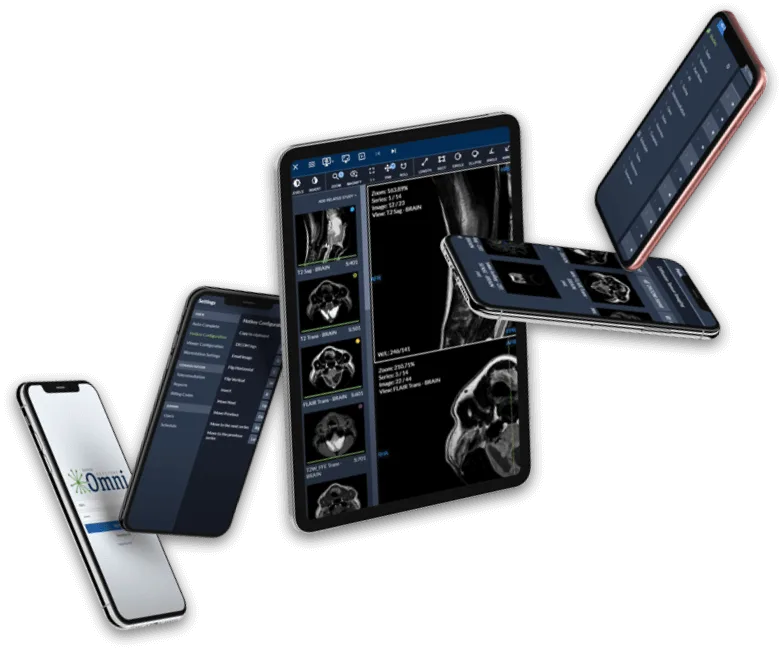
Speed, Automation, Convenience.
See how Keystone Omni takes the stress out of image management.