
Tracks Software
Great collection management software supporting great animal care and comprehensive record keeping. Tracks provides reliable tools for managing veterinary practice operations and patient records.
Visit Tracks Software WebsiteHow the Tracks Software integration works with Keystone Omni
Keystone Omni links to Tracks Software so patient details flow into imaging and images and reports flow back to the record, without anyone re-keying them.
- Patients scheduled in Tracks Software appear on the modality worklist, so the acquisition starts with the right signalment and no re-entry.
- Images and reports attach to the patient record, giving the team one point of access for patient information and imaging.
- Removing re-entry cuts transcription errors and the revenue leakage that comes with them.
- Radiology Information System (RIS) integration supports automated patient scheduling alongside the modality worklist.
What you need
An active Tracks Software system and Keystone Omni. Integration depth varies by practice management system and version, so tell us about your setup and we will confirm exactly what the Tracks Software connection supports for you.
Common questions
Do we have to enter patient details twice with Tracks Software and Keystone Omni?
No. Patients scheduled in Tracks Software reach the modality through the worklist, and the resulting images and reports attach back to the patient record.
Does the Tracks Software integration work with our imaging equipment?
Keystone Omni is DICOM based, so any modality that supports DICOM and Modality Worklist can take part. Tell us your modalities and we will confirm.
Is there anything to install at the practice?
Keystone Omni is already at the practice; the integration is configured rather than installed. Our support team sets it up with you.
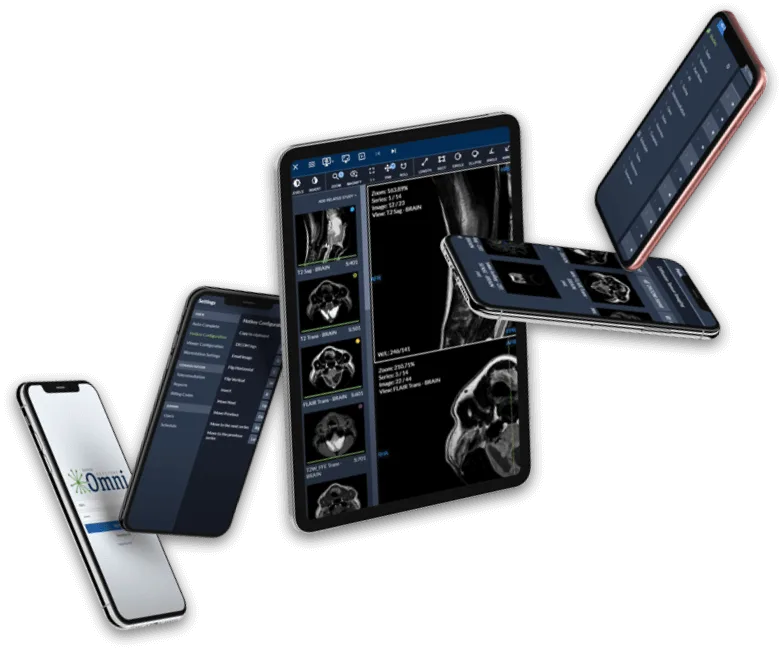
Less Time Organizing, More Time Diagnosing.
See how Keystone Omni can help you spend more time on what matters most.